
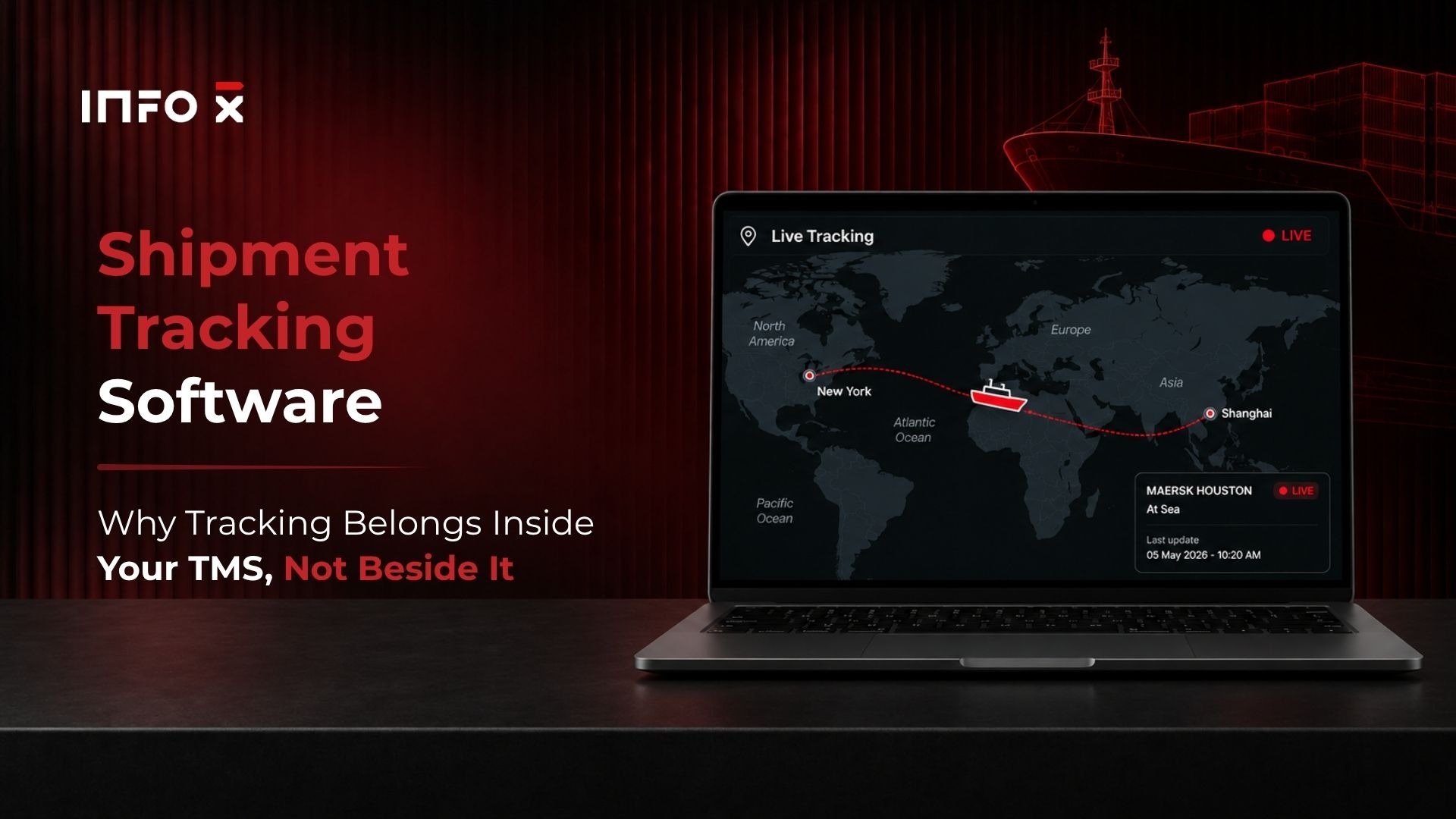
Many logistics teams rely on multiple tools to manage a single shipment. Shipment tracking software accounts for one layer, but bookings sit in a separate system, customs filings run through a third platform, and invoices get reconciled in accounting software that never saw the container number. The friction is constant, and it is expensive.
Most tracking tools solve one problem well: knowing where a container is. What they do not solve is what happens next, who gets notified, and whether the document or invoice downstream updates automatically.
The real question is not which platform connects to the most carriers. It is whether tracking lives inside your operation or alongside it. That distinction is what we have spent decades building toward at Info-X: a TMS where tracking events flow directly into bookings, documents, filings, and invoices on a single shipment record. This article covers what modern tracking requires, where standalone tools hit their limits, and what the ROI case actually looks like in freight.
What Modern Shipment Tracking Software Actually Needs to Do
Many buyers focus first on carrier coverage and interface design. Those matter, but they are table stakes. The real requirements go deeper, and they matter most when shipments get complicated.
Real-time container visibility across every leg
Genuine multi-leg visibility means tracking a container from origin terminal through the transhipment port, into the destination port, across inland drayage, and to final delivery. Static milestone updates do not meet that bar. You need AIS-based ocean tracking, carrier API polling, and dynamic ETA recalculation that accounts for port congestion and vessel schedule changes. Enterprise platforms such as project44 and FourKites have established benchmarks for what end-to-end freight visibility looks like at scale. If a tool cannot recalculate ETA when a vessel is rerouted or a transhipment is missed, it is logging history, not managing freight.
Exception alerts that are actually useful
There is a meaningful difference between a delay notification and actionable exception management. The most effective tracking tools tie alerts to a specific shipment record so operations teams can act immediately, not just observe. The exceptions that carry the most cost in ocean freight are missed vessel departures, port holds, customs delays, and document rejections. Generic "shipment delayed" emails do not help. Alerts without context require manual investigation across the same fragmented systems you were trying to eliminate in the first place.
Integration with booking, documentation, and compliance
A tracking API does not make a system unified. Native integration with booking records, document generation, customs compliance filing, and accounting is what separates a tracking tool from a shipment tracking system. When these components do not share a data layer, every status update creates downstream manual work, and the integration architecture matters as much as the carrier coverage, which is the same test a logistics TMS platform has to pass before tracking is layered onto it. Poor integration between a visibility layer and a customs module means reroute notifications never reach the filing queue, leaving compliance teams to catch the gap manually.
A tracking tool tells you where the container is. A shipment tracking system tells the booking, the bill of lading, the filing, and the invoice at the same time. The difference is the data layer, not the map.
Where Standalone Trackers Fall Short at Scale
Standalone tracking tools serve specific use cases well. These tools do exactly what they claim. The limitation is not what they track; it is what they cannot connect.
The data fragmentation problem
When tracking lives in a separate platform, every status update has to be manually reconciled with the booking record, the bill of lading, the customs filing, and the invoice. The result is a fragmented shipment record: multiple tools each holding a piece of the same transaction, with no single source of truth. For freight forwarders managing high shipment volumes, that fragmentation compounds into real labor cost and real error exposure.
How manual re-entry creates compliance and invoicing errors
Disconnected systems do not just slow teams down. They create audit risk. ISF and AMS filing errors tied to stale tracking data result in CBP penalties. Invoice discrepancies tied to inaccurate delivery timestamps create disputes that stall payment cycles. The root cause in both cases is identical: tracking data that does not flow automatically into downstream processes. A standalone tracking setup can tell you where the container is. It cannot simultaneously update your customs module, billing system, or document workflow.
Where the cost hides: the same container number typed into a carrier portal, a customs system, and an accounting package is three chances to introduce an error that only surfaces later as a hold, a penalty, or a disputed invoice.
How TMS-Integrated Shipment Tracking Software Changes the Operation
When real-time shipment visibility lives inside the TMS, every update automatically touches the booking record, the documentation workflow, and the compliance filing. Data enters the system once. The operation moves faster and makes fewer errors because of it.
One shipment record from quote to delivery
Walk through the operational sequence: a rate is quoted, a booking is confirmed, containers are assigned, the vessel departs, the container is tracked live, the arrival notice is triggered, and the invoice is generated. In a unified TMS, each step reads from and writes to the same record, and that record is created the moment freight quoting software converts the rate request into a booking. Contrast that with a standalone setup where the tracking event sits in isolation, and the rest of the workflow requires manual updates. That gap between the two architectures is where errors accumulate and labor cost grows.
Automated filings tied to live container status
TMS-integrated tracking enables automated ISF, AMS, AES, and ICS2 filings using container and booking data already in the system. When the TMS holds the vessel name, container number, carrier, routing, and cargo details, filing becomes a triggered workflow rather than a manual task, and automated customs filing runs off the booking data instead of a second entry. As of June 2026, all EU-bound consignments require a valid ENS submitted through ICS2. Late detection of reroutes or missing data creates real compliance exposure. TMS-integrated tracking typically makes automated filing workflows substantially more reliable than standalone visibility tools, because the TMS already holds the booking and commodity data needed to complete each filing.
| When a container status changes | Standalone Tracker | TMS-Integrated Tracking |
|---|---|---|
| Booking record | Updated manually, if at all | Updated on the same record automatically |
| Arrival notice | Generated from a separate template | Triggered from the tracking event |
| ISF, AMS, AES, ICS2 filings | Re-entered in a separate tool | Filed from booking and container data already in the system |
| Reroute or missed transhipment | Email alert, no downstream action | ETA recalculated, filing queue and documents flagged |
| Invoice | Reconciled later against timestamps by hand | Generated from the delivery event on the record |
| Audit trail | Split across three or four systems | One shipment record, one history |
How Info-X Ties Live Container Tracking to the Full Shipment Record
At Info-X, we built the TMS around a single principle: tracking is not a separate function. It is a data input that drives every downstream workflow. Here is how that works in practice for freight forwarders and NVOCCs.
Tracking connected to House and Master bills of lading
The Info-X TMS links live container tracking, drawn from 2,000 plus carrier and port connections, directly to House B/L and Master B/L records, the linkage that defines an NVOCC TMS rather than a forwarding tool with an ocean module attached. When a container status updates, the system does not log a milestone and stop. It flags whether the document timeline is on track, whether the arrival notice needs to be triggered, and whether freight release can be processed. That connection between tracking and documentation is how our managed back office sustains high document accuracy rates across high-volume shipment operations.
Managed back office: when you want the whole operation handled
The managed logistics back office model is designed for teams that want TMS infrastructure without the staffing overhead. Our freight-experienced operations team handles rates, filings, tracking updates, document generation, and billing end to end, scaling with shipment volume on demand. Clients have reported significant operational cost savings compared to equivalent in-house staffing when process and technology run together. Unlike a standard BPO arrangement, the system of record stays yours, and the execution scales with your volume, so shippers retain full visibility into every shipment.
See a Container Event Move the Whole Shipment
Watch a live tracking update trigger the arrival notice, refresh the filing, and feed the invoice on one Info-X shipment record, across ocean, air, and inland legs.
Book a DemoROI Benchmarks: What Companies Actually Achieve
Before committing to any platform, build a real business case. Published outcomes from companies using AI-driven logistics platforms offer a realistic range to work from, though results vary by operation type and implementation scope.
Operational cost and freight spend reductions
According to industry research on AI-driven logistics deployments, companies have reported reductions of around 20% in total logistics costs, approximately 24% in freight spend, and 14 to 15% cost reductions from data-driven lane optimization. In one documented case, a manufacturer using a modern freight management platform reported 24% freight spend savings, a 40% improvement in operational efficiency, and shipment detail retrieval that was 52% faster. These outcomes do not come from better tracking alone. They come from tracking data flowing automatically into dispatch, invoicing, and compliance, which is the TMS integration argument stated in financial terms.
KPIs to set before you implement
Baseline these metrics before switching platforms. Without a baseline, ROI is anecdotal. With one, it becomes a measurable six-month post-implementation review.
- On-time delivery rate
- Exception resolution time
- WISMO contact volume
- ISF and AMS error rate
- Cost per shipment
- Invoice dispute rate
Mid-sized freight forwarders have documented payback periods of 6 to 12 months when replacing fragmented tool stacks with unified TMS-based visibility. Some mid-sized forwarders using freight document automation within a TMS have reported strong year-one ROI and break-even periods as short as three months, though results depend heavily on shipment volume, complexity, and prior tool overhead.
How to Match the Right Solution to Your Operation
The right tracking solution depends on your business model, not the feature count. Three buyer profiles define the market clearly.
Match the tool to your business model
Ecommerce Shippers
High parcel volume, branded tracking pages, WISMO reduction. Standalone tools such as AfterShip and TrackingMore are purpose-built for this profile and handle it well.
Standalone fitsMid-Sized Freight Forwarders
Ocean and air shipments with multi-shipper consolidations. Need TMS-integrated tracking with B/L generation, customs filing connectivity, and accounting sync.
TMS-integrated fitsNVOCCs and 3PLs
Scaling volume without growing headcount. Need a full TMS platform or a managed back office where tracking is embedded in end-to-end operations, not bolted on.
TMS or managed back officeMid-sized forwarders are where standalone tools create more manual work than they eliminate, because every tracking event still has to be reconciled with a bill of lading and a filing that live somewhere else, and freight forwarder software that keeps tracking on the same record as the B/L is what removes that reconciliation. NVOCCs carry one more layer on top, since the operator is the carrier of record on its own House Bill and each tracking event has to stay linked to the Master Bill, the consolidation, and the filings.
What to evaluate during a trial or demo
Five questions separate genuine operational tracking from glorified notification tools. Does tracking live inside the shipment record or alongside it? Can the system trigger customs filings automatically from container status? Does it generate arrival notices and invoices from the same data? What does exception management look like in practice, not just in the demo? And what is the vendor's documented SLA on document accuracy? Ask these in every vendor conversation. The answers quickly reveal whether you are evaluating a visibility layer or an operational system.
Ask for one thing in every demo: a single container status change, and then watch which other screens move. If the booking, the arrival notice, the filing queue, and the invoice do not react, you are looking at a map with alerts, not a shipment tracking system.
Choose Shipment Tracking Software That Does More Than Show You a Map
Standalone tracking tools solve a specific problem well. They are the right choice for ecommerce operations that need branded delivery updates at scale, broad carrier coverage, and clean customer-facing experiences without the complexity of freight documentation.
For freight forwarders, NVOCCs, and BCOs managing complex multi-leg shipments with customs obligations and documentation workflows, tracking in isolation creates more work than it eliminates. The value of TMS-integrated visibility is not seeing where a container is. It is what happens automatically when you do: the arrival notice goes out, the filing updates, and the invoice is generated, without manual intervention at each step.
At Info-X, we build that connection across documents, filings, and invoices within a single shipment record. If you are ready to evaluate shipment tracking software that unifies your workflow across specific trade lanes and filing requirements, get in touch with our team to request a demo or review the managed back office model.